Read PDF & Office
Open PDF, Word, Excel, and PowerPoint from on-device storage.
 Quick Doc: PDF Tools
Android · On-device documents
Open, edit, and share documents on your device — no account required.
Secure. Private. Fast.
Official site · quick.pdfquickdocpdf.com
Key features
Open what you need. Finish the task. Open or share the result — files stay on your device unless you share them.
Open PDF, Word, Excel, and PowerPoint from on-device storage.
Draw, highlight, underline, and add text notes on PDFs.
Capture with the camera or turn photos into a PDF.
Combine files, extract pages, or shrink size when you need to.
Folders, tags, continue reading, favorites — no account.
Password protect or unlock, watermark, page numbers, extract text or images.
How it works
No account. No upload pipeline for your library. Open → finish → open or share.
Pick a document from your library or device.
Annotate, scan, merge, compress, or another tool you need.
Open the result in the app or share it with the system sheet.
Product UI
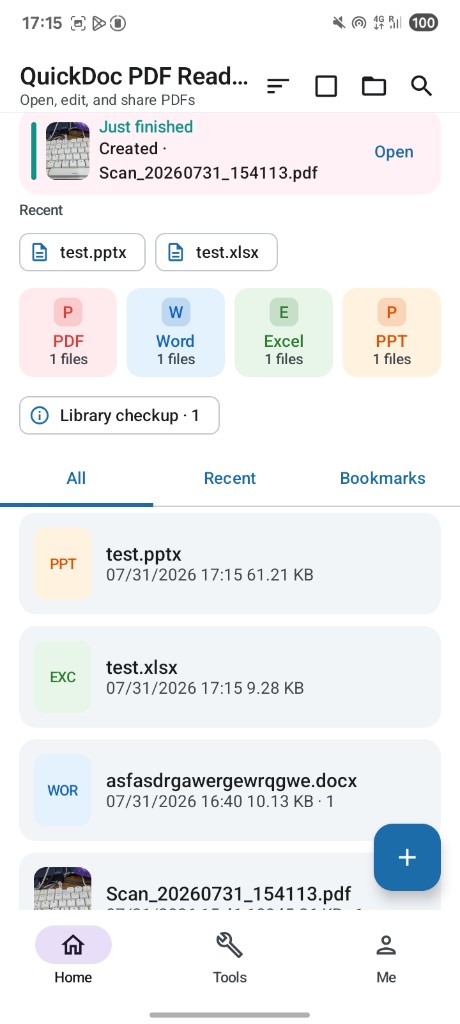
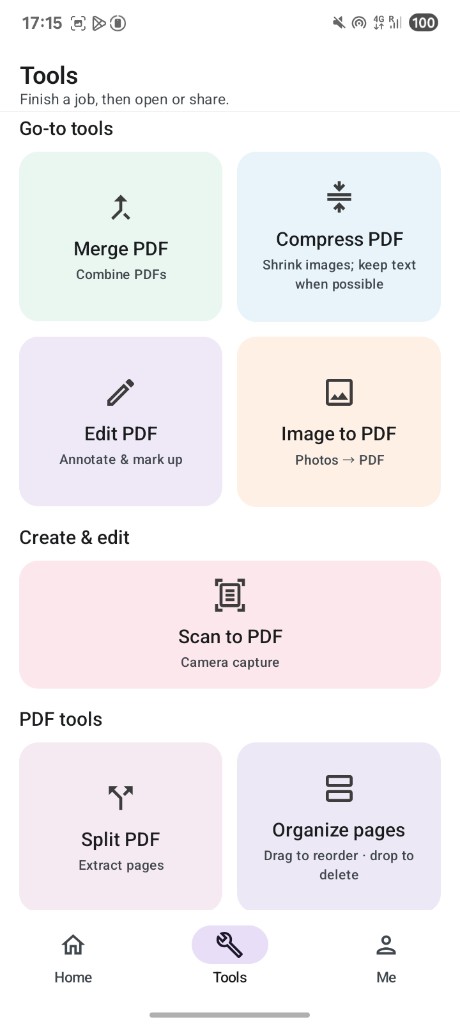
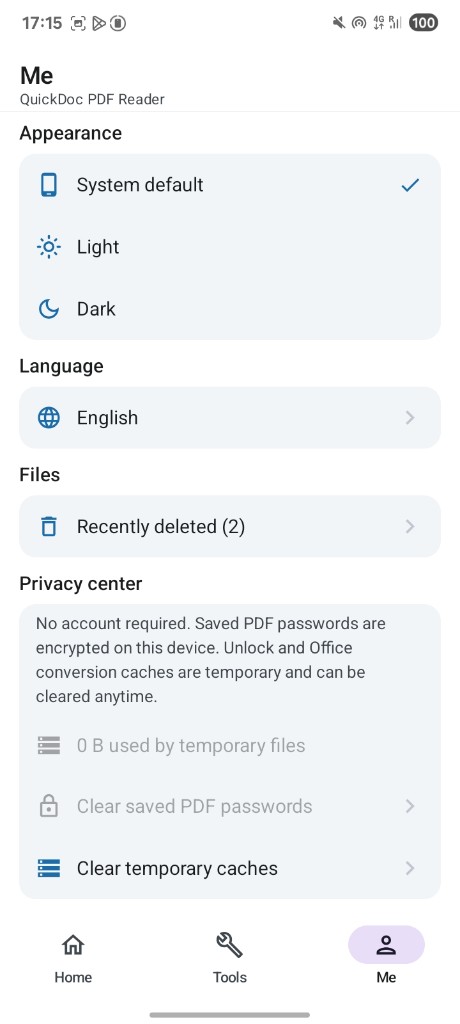
Home → tools → privacy center. Soft surfaces, brand magenta, honest copy.
Privacy first
No account. Optional remembered PDF passwords are encrypted on device. Temporary caches can be cleared anytime. The app declares INTERNET — we do not claim “never online.”
Honest limits: drawn signatures are not certified e-sign. Image-only scans may not support text search. No cloud sync or multi-user collaboration.